On your Android device, open "", then the ""
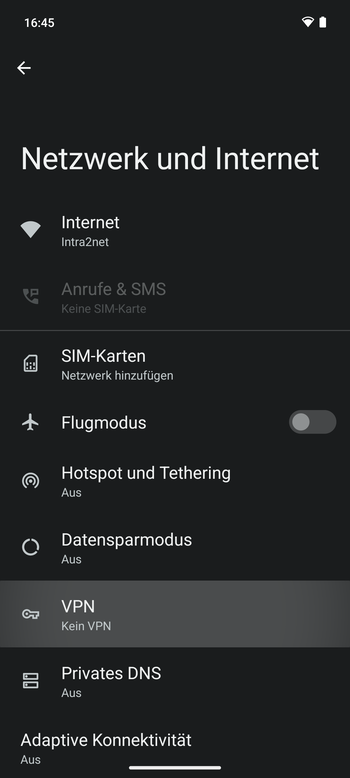
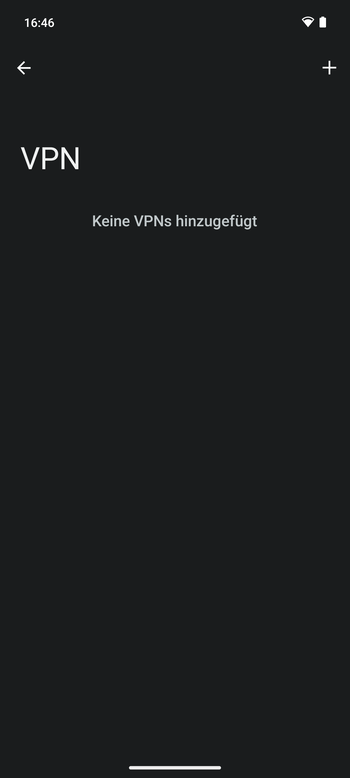
Add a new VPN and give the connection a suitable name.
Select "" as the VPN type.
"" is the externally accessible, official DNS name of your Intra2net system, as it must also be specified in the Intra2net system's certificate.
The value for "" is derived from the connection name on the Intra2net system. The value can be retrieved on the Intra2net system from the menu "", option "", and must match exactly on the Android device with the value on the Intra2net system.
For "", "", and "", select the certificate that was previously imported to the Android device.
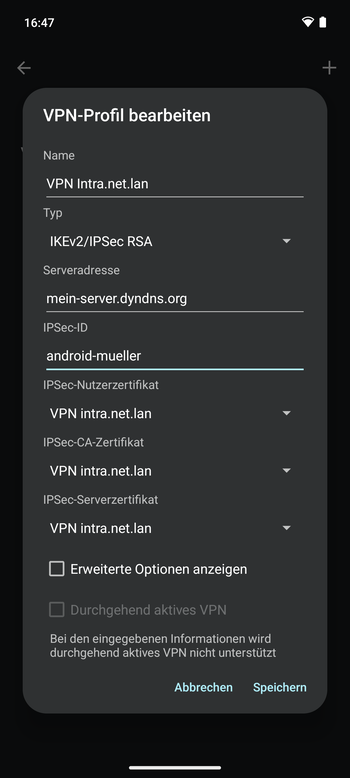
Save the connection.
Tap the connection name, and then establish the connection.
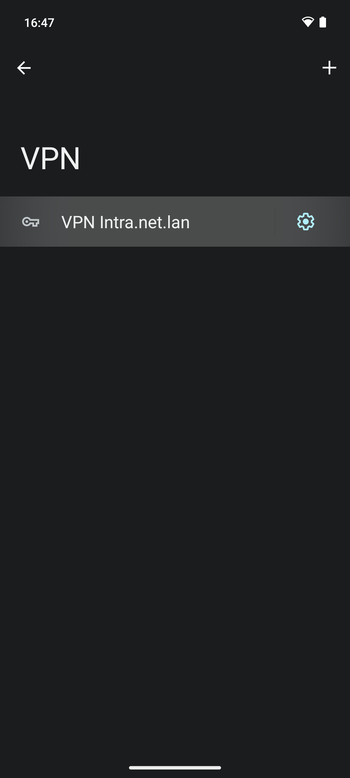
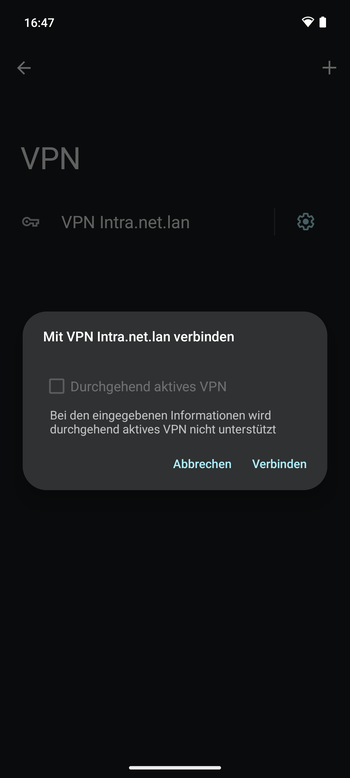
If the connection was established successfully, a key icon will appear at the top of the status bar.